Documentation index: llms.txt. This page is also available as markdown: append .md to this URL or send Accept: text/markdown.
Contacting Support
Connecting with our team is simple. Choose the option that works best for you.
Shared Slack or Teams Channel
We create dedicated Slack Connect or Microsoft Teams channels for communication between your team and our Customer Success experts. Our Product Managers and Solution Engineers frequently join these channels, enabling direct collaboration.
If you don't have a channel set up, email us at support@coalesce.io to get started.
Support Portal
Open new support requests and manage existing ones through our Support Portal. Visit support.coalesce.io and log in with your email address to review your current and past support tickets.
Email Support
For quick assistance, reach us directly by emailing support@coalesce.io. Our team is ready to help with any questions or issues.
In-App Support
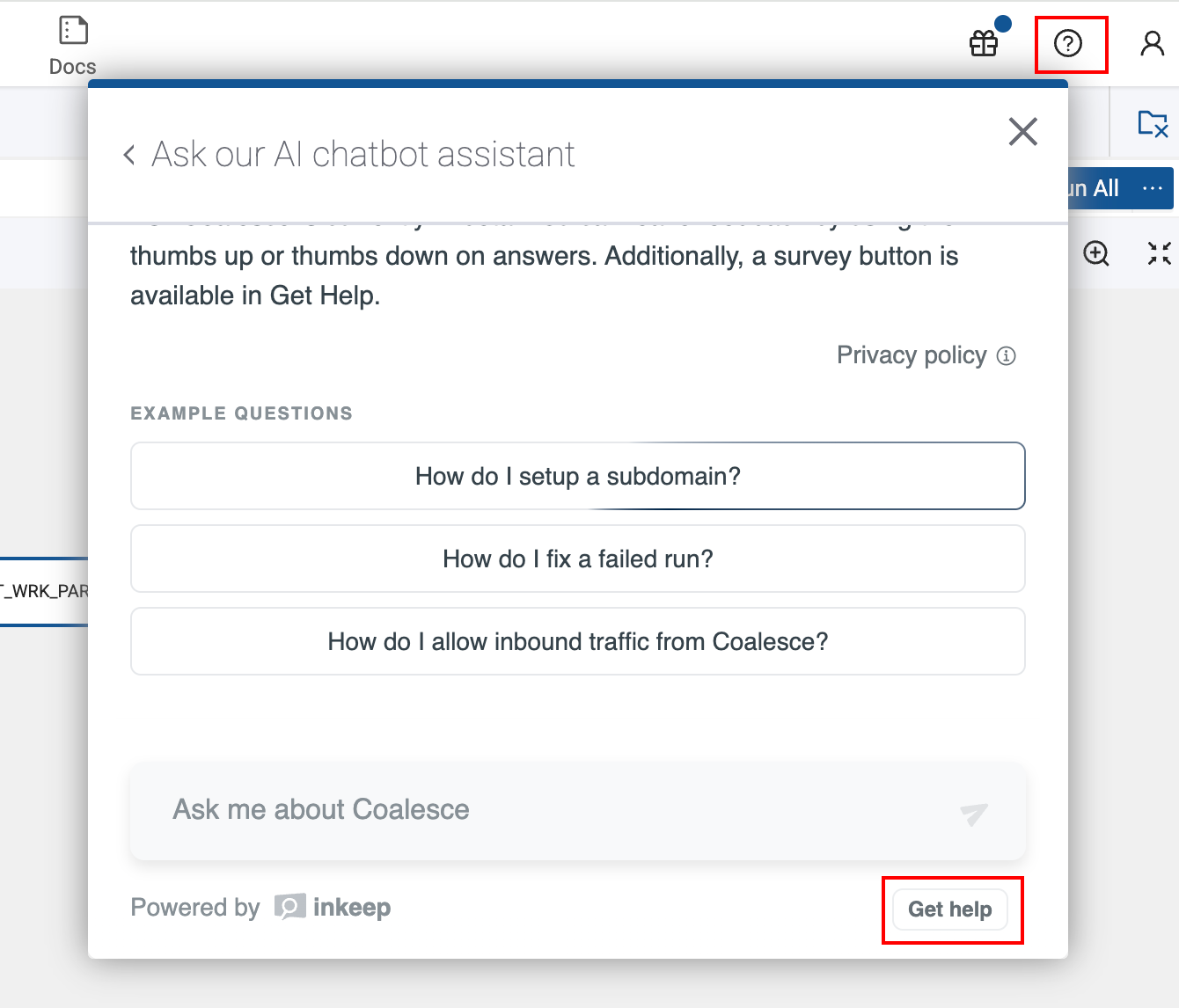
In the app, you can access support by:
- Clicking the question mark icon to bring up our AI Assistant.
- Clicking Get Help to open your default email client with support@coalesce.io pre-populated as the recipient.
Providing Information
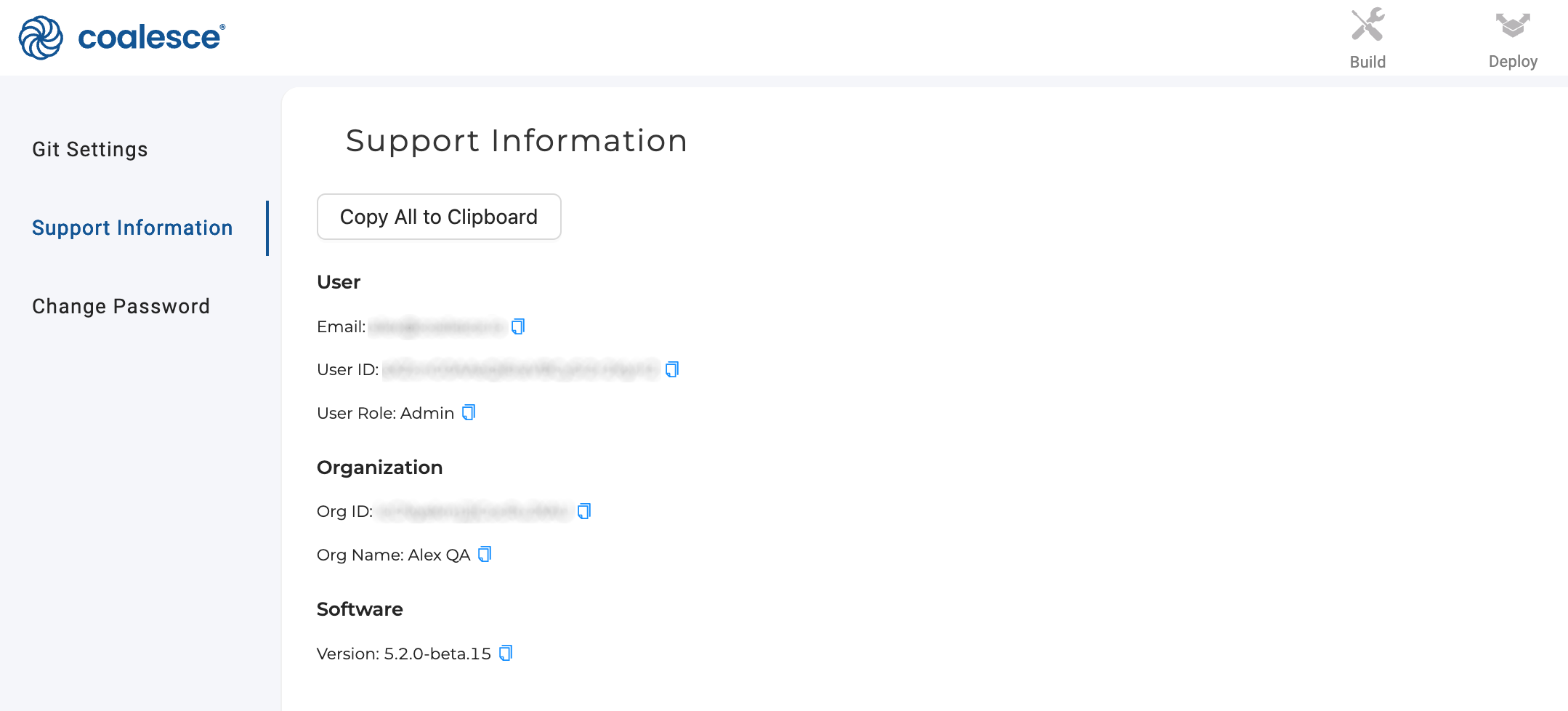
To help our team provide fast support, include a description of your request along with your system information. You can provide all of the information by clicking Copy All to Clipboard. You can also copy individual fields using the copy icons.
- User ID
- User Role
- Org ID
- Org Name
- Software Version